prudkohliad

Shucking a Seagate Game Drive PS4/PS5 (STLV2000202)


Removing the internal drive will void your warranty.

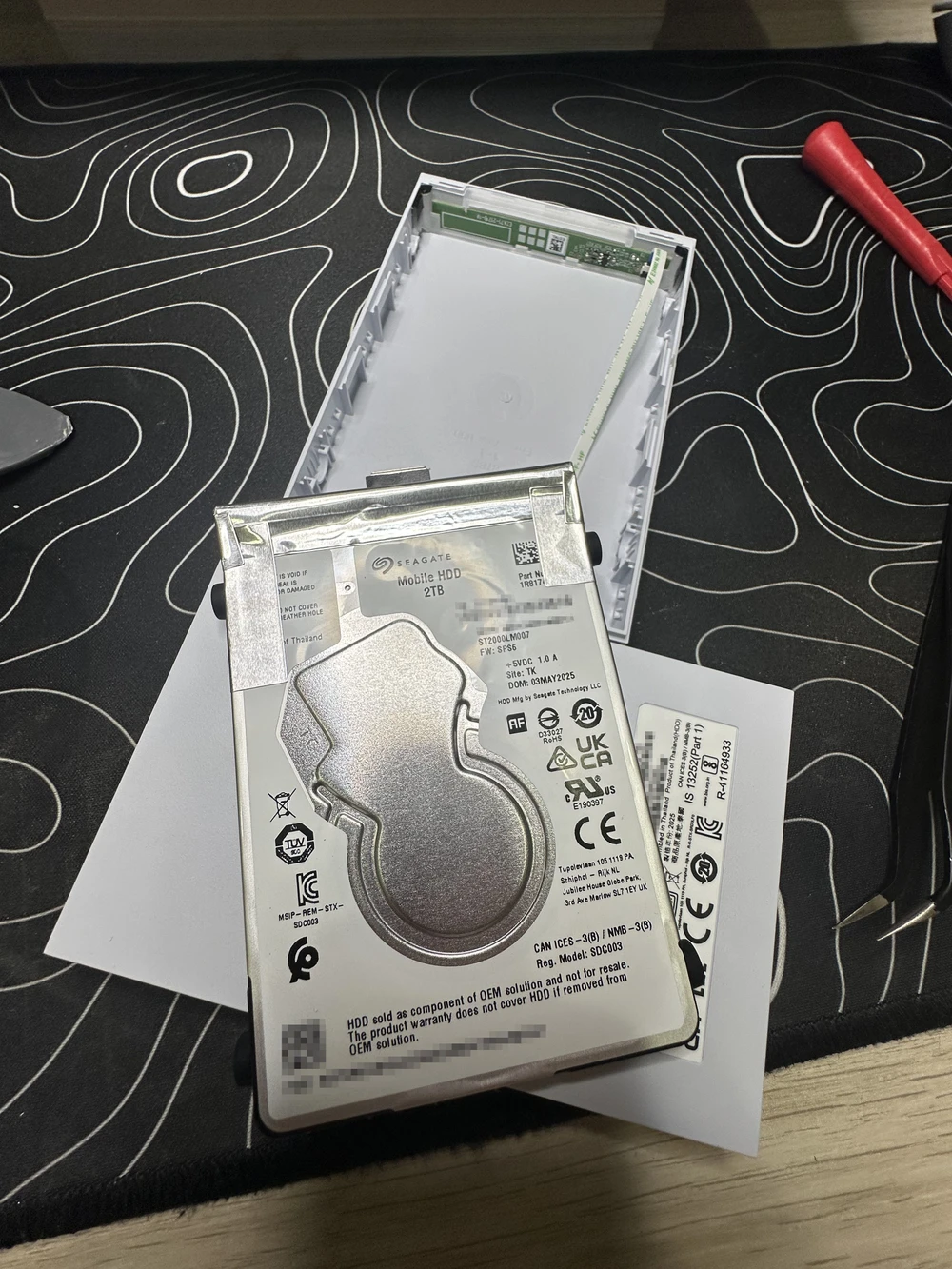
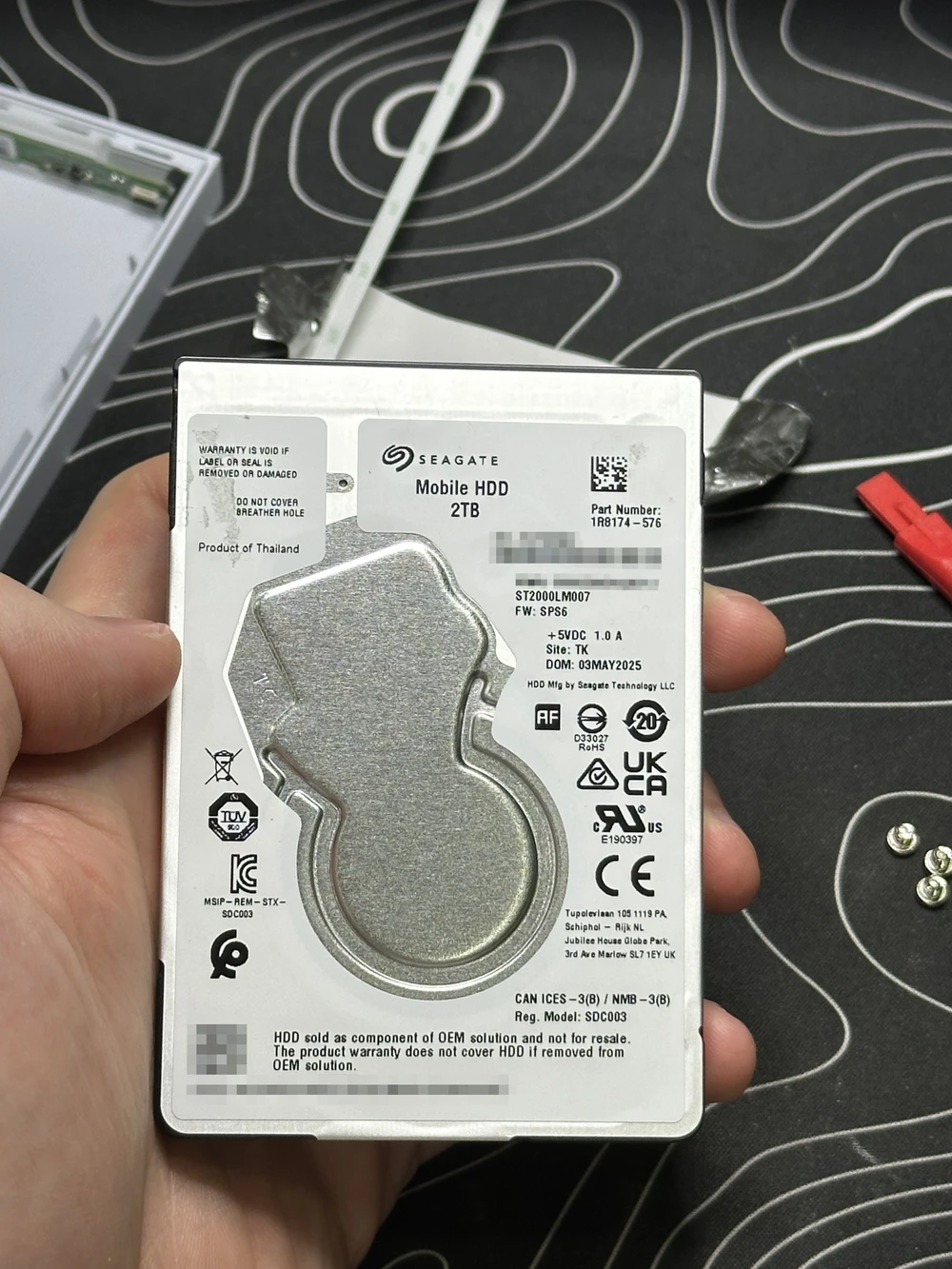
TL;DR: This enclosure is easily shuckable, the actual drive inside is a Seagate Mobile HDD 2TB ST2000LM007

What is shucking?

Shucking a hard drive is the process of removing an HDD from its external USB enclosure to repurpose it as an internal drive – a popular trick among home lab enthusiasts and NAS builders, since external drives are frequently sold at a steep discount compared to equivalent bare drives.

↑ That 👌

Why?

I managed to get my hands on a couple of Seagate Game Drive PS4/PS5 2TB from a local Amazon pallet digger and decided that they would be a great addition to my existing 2x 2TB mirror zpool and a great opportunity to test a RAIDZ1 setup.

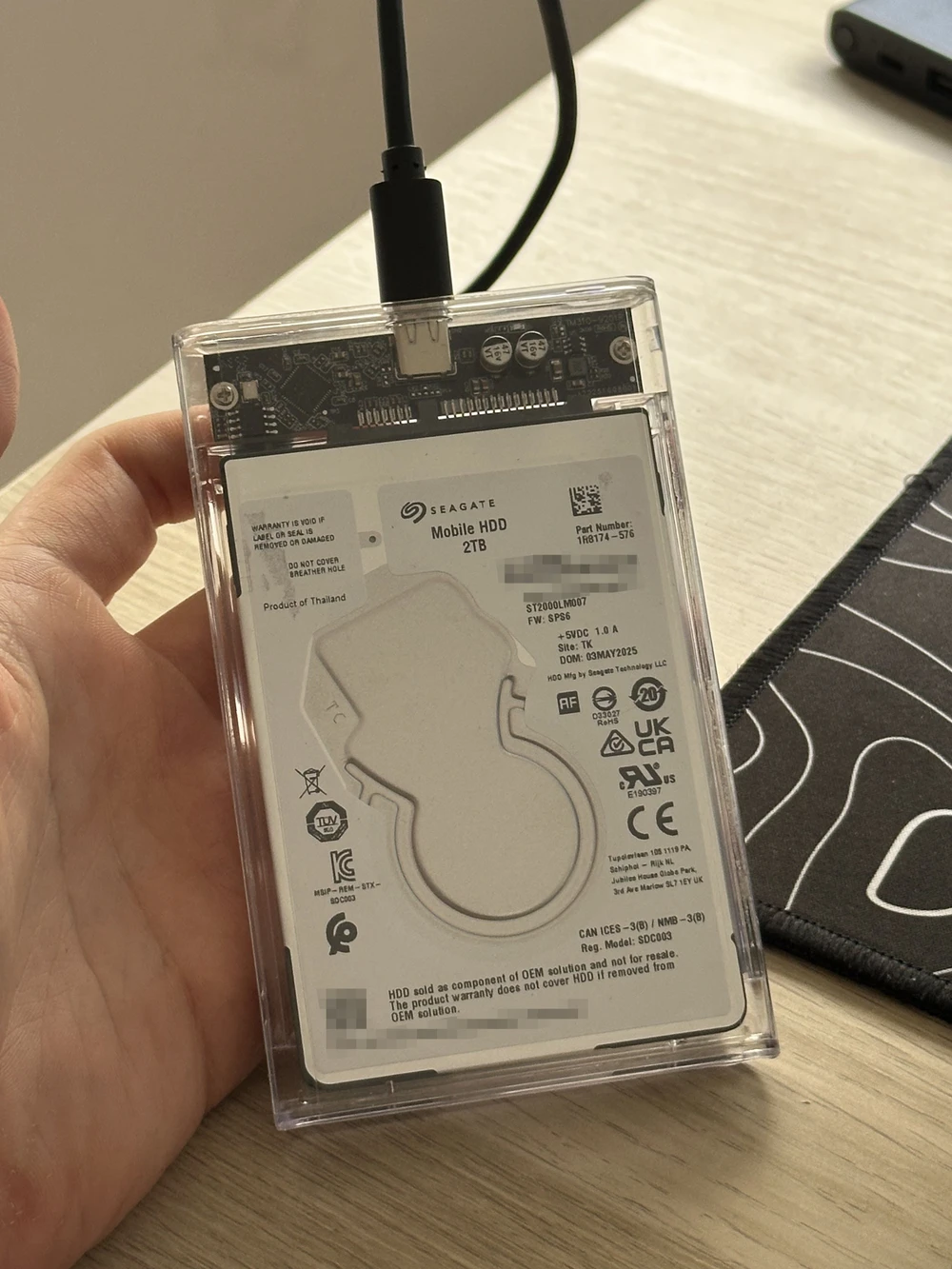
The problem with the stock enclosure is that the drive power settings (APM and spindown timer) can’t be reliably configured through its interface. Also, the USB Micro-B connector is ugly. I’ve got a couple of enclosures like this, which do support the above just fine.

So, I decided to grab my plastic picks and carve those drives out.

The process
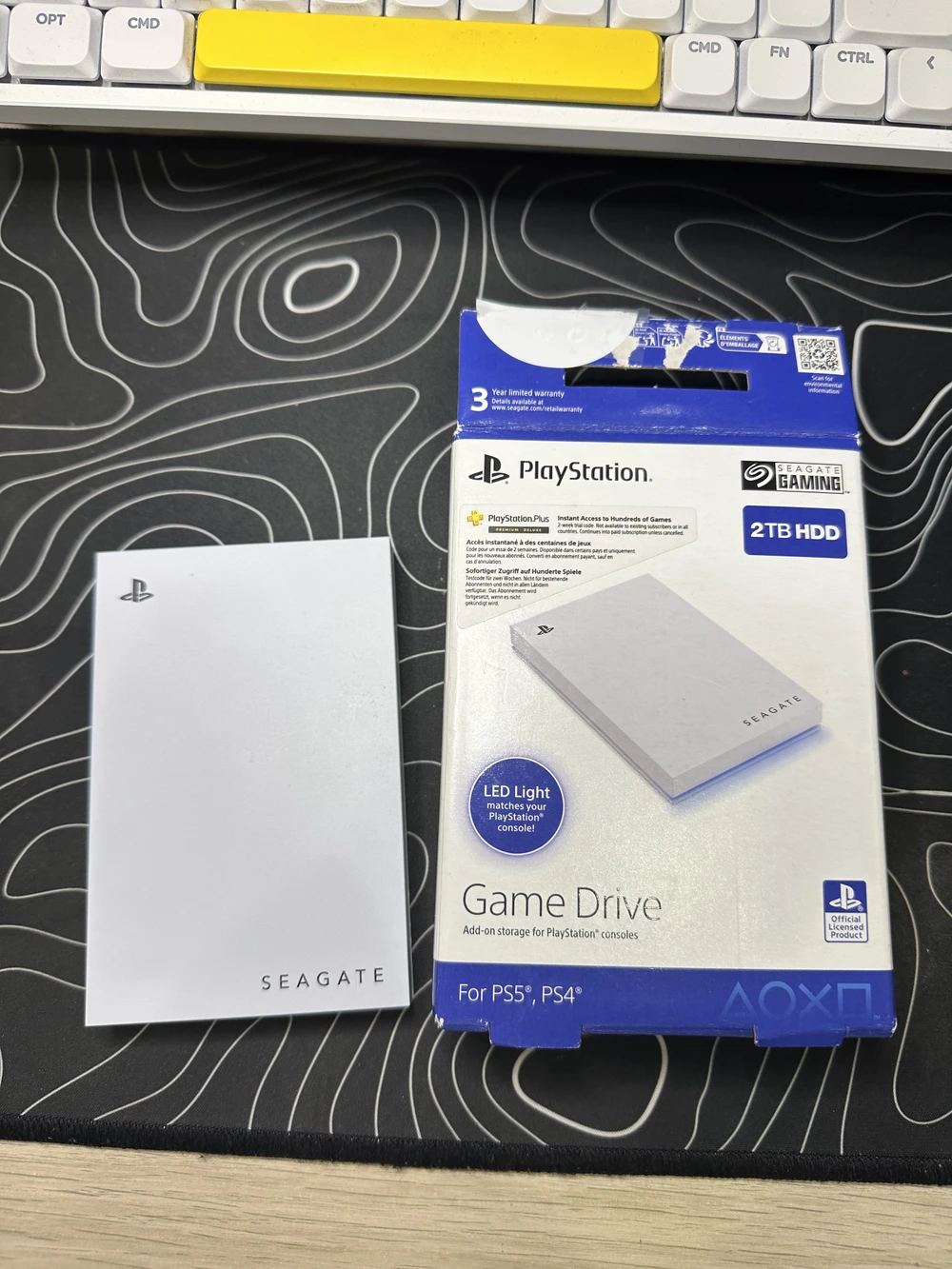
The Seagate Game Drive PS4/PS5 and the box
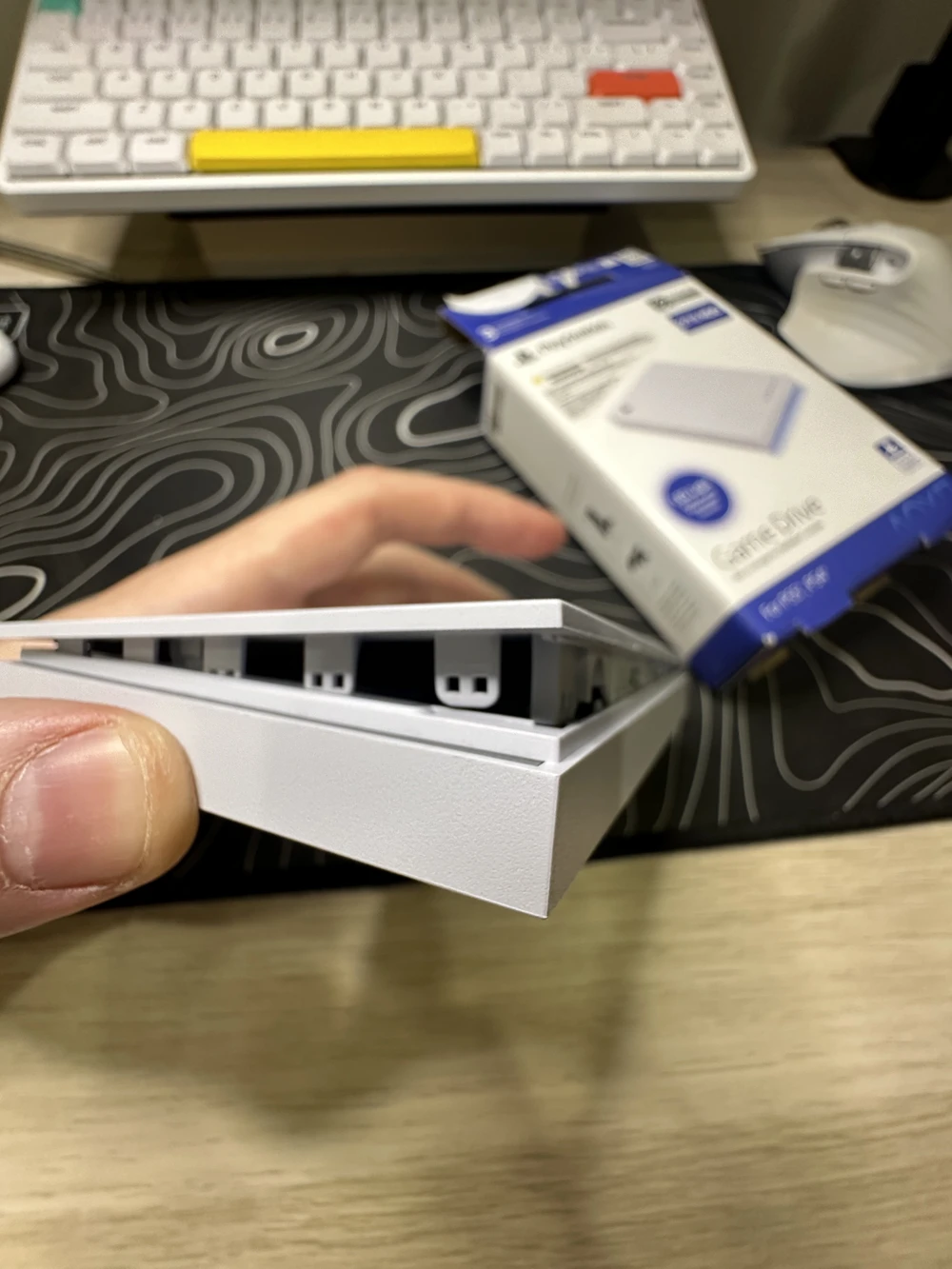
The start of prying, plastic clips visible
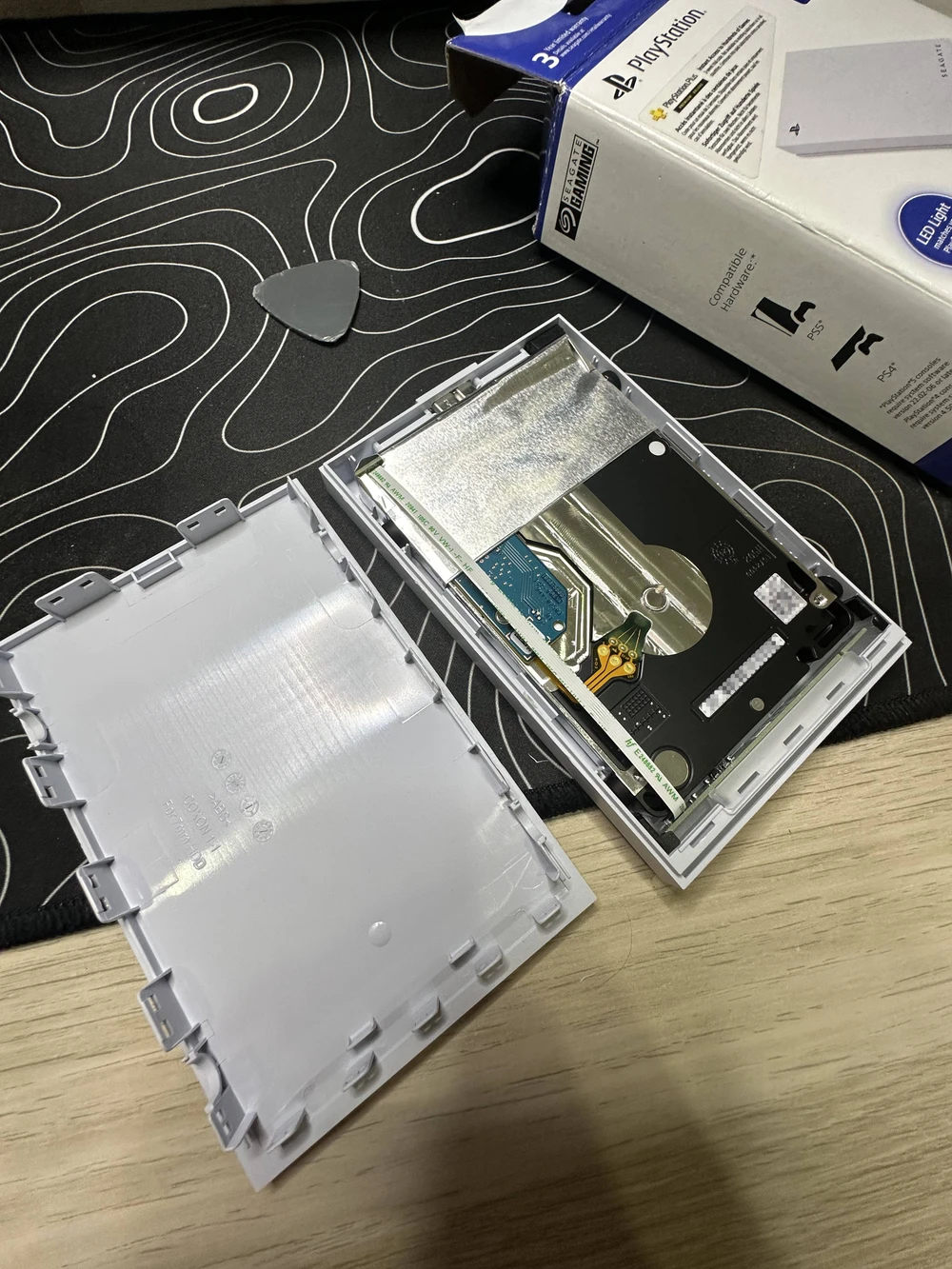
The enclosure pried open, the cover removed, revealing the drive inside
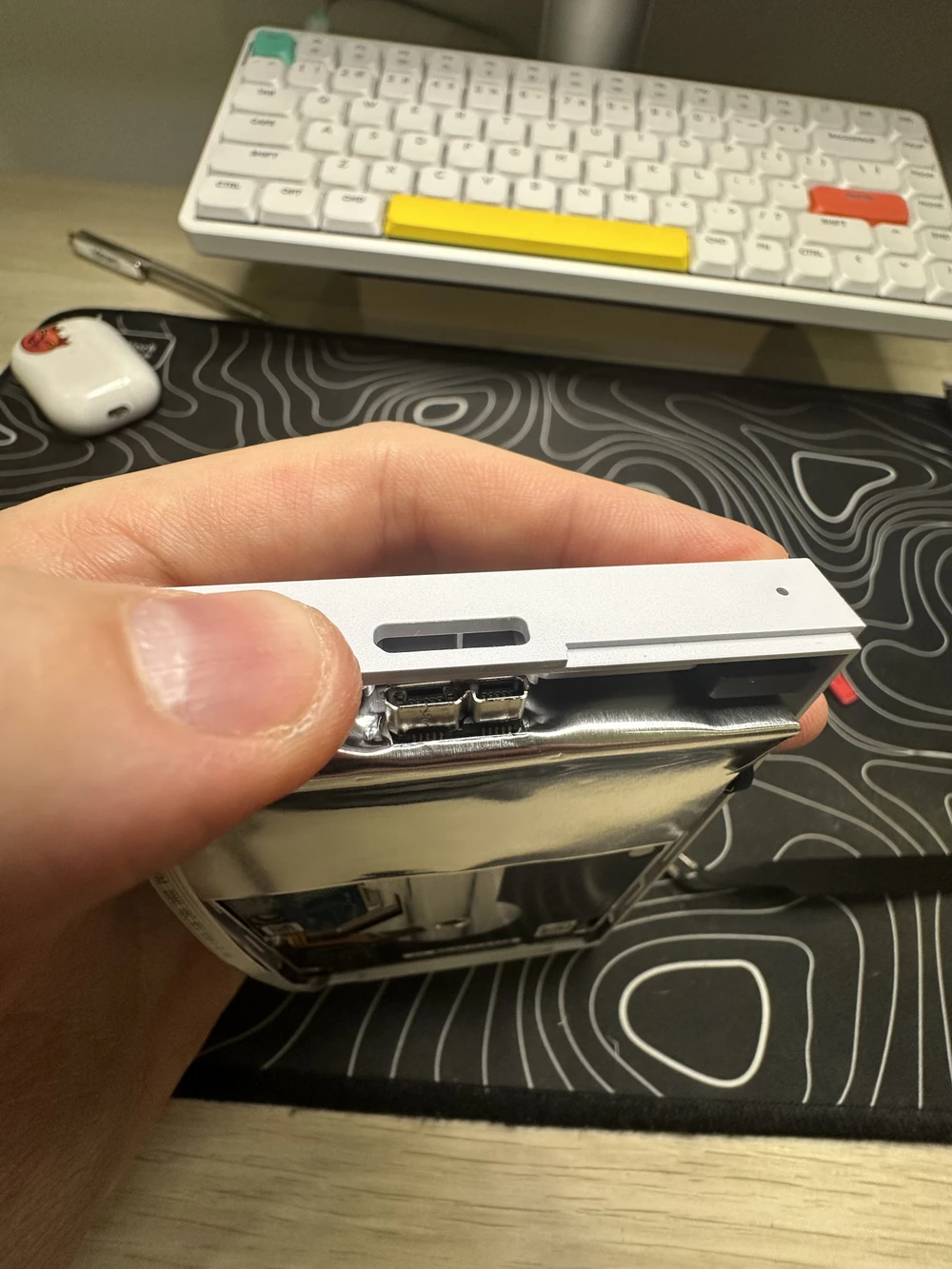
Pulling up on the plastic cover near the USB Micro-B socket to remove the drive from the enclosure
Bottom part of the enclosure removed, drive still connected to the LED controller
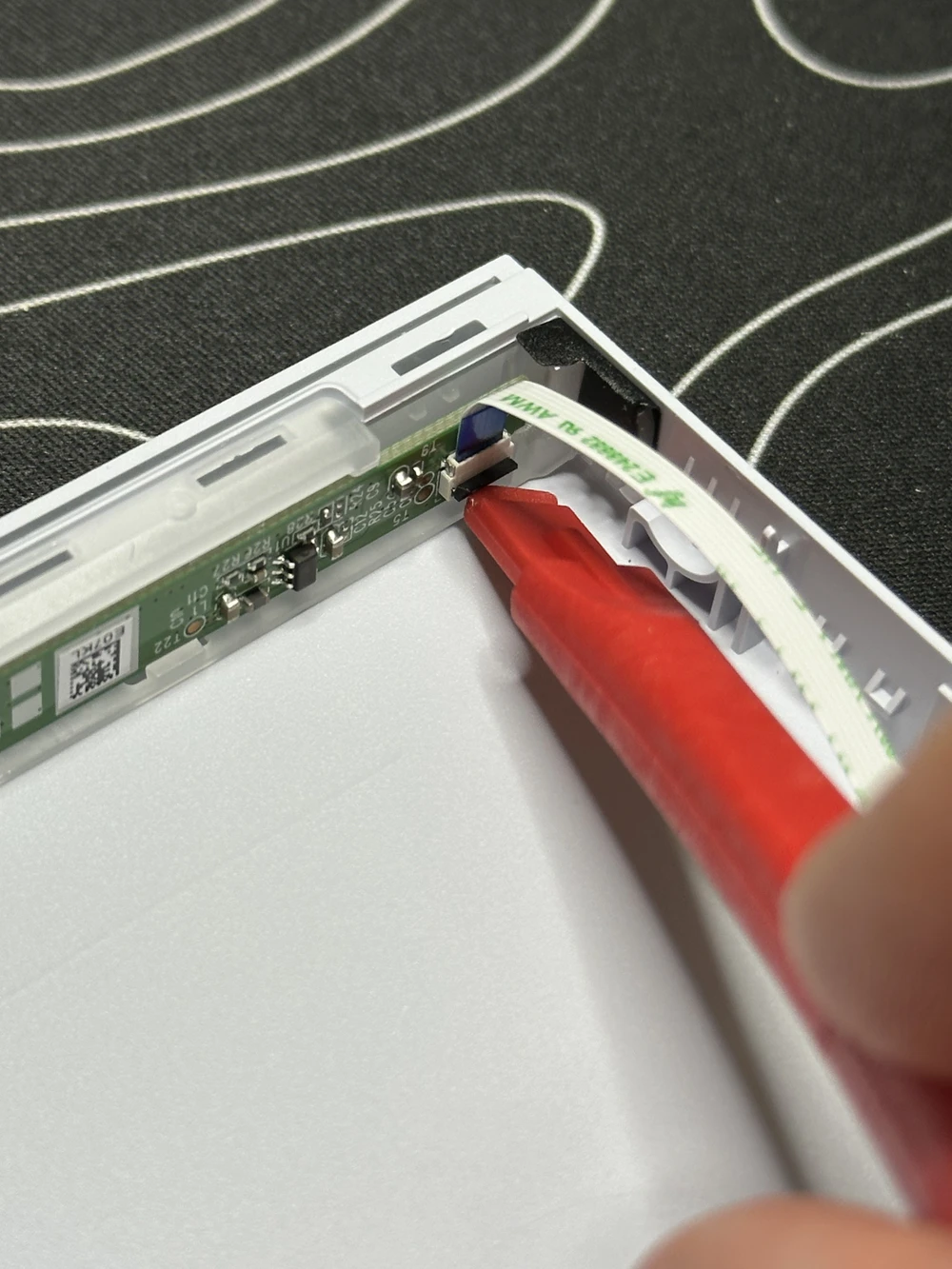
Unclipping the LCD strip connector
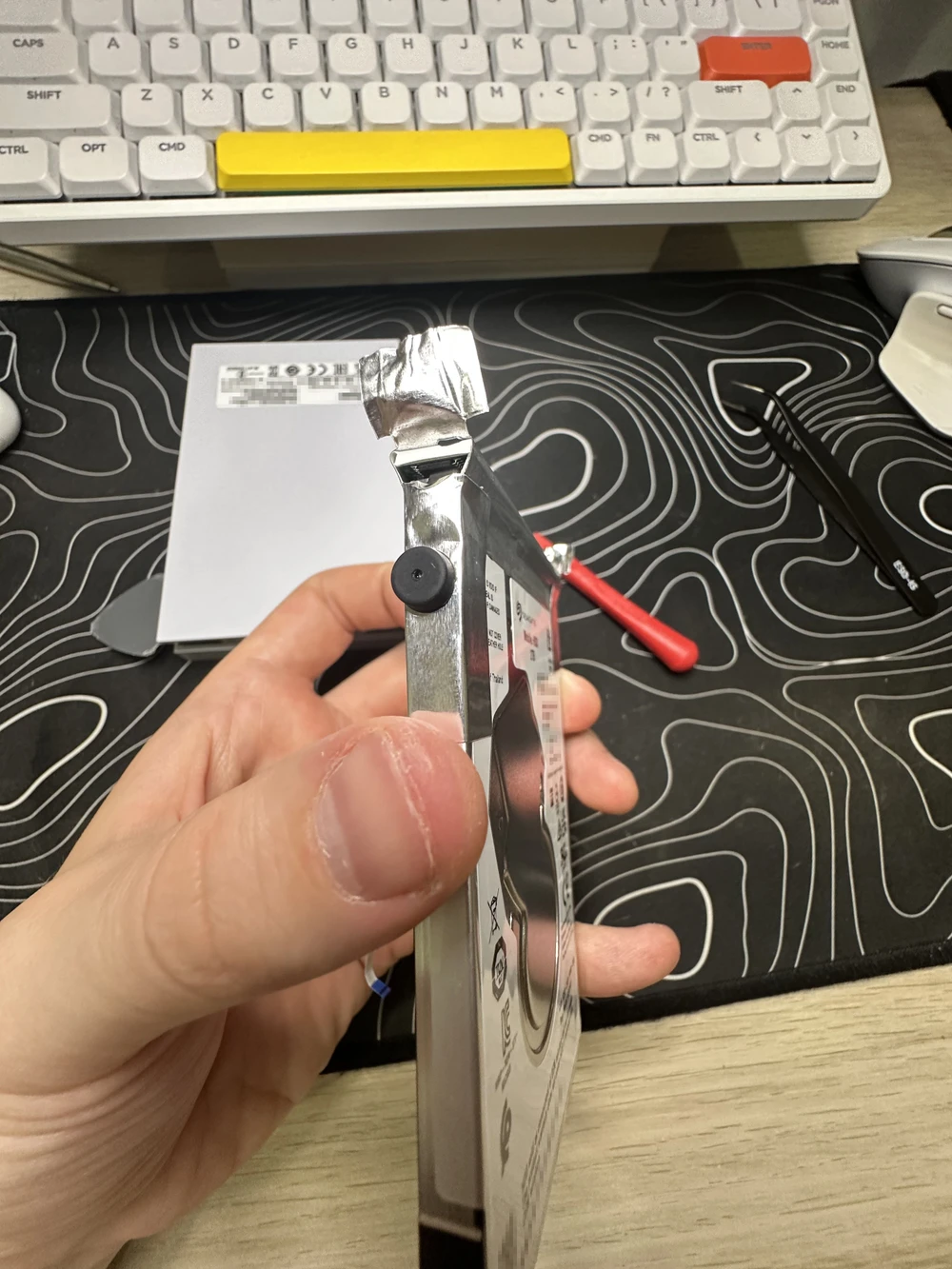
Starting to peel off the “foil” wrap
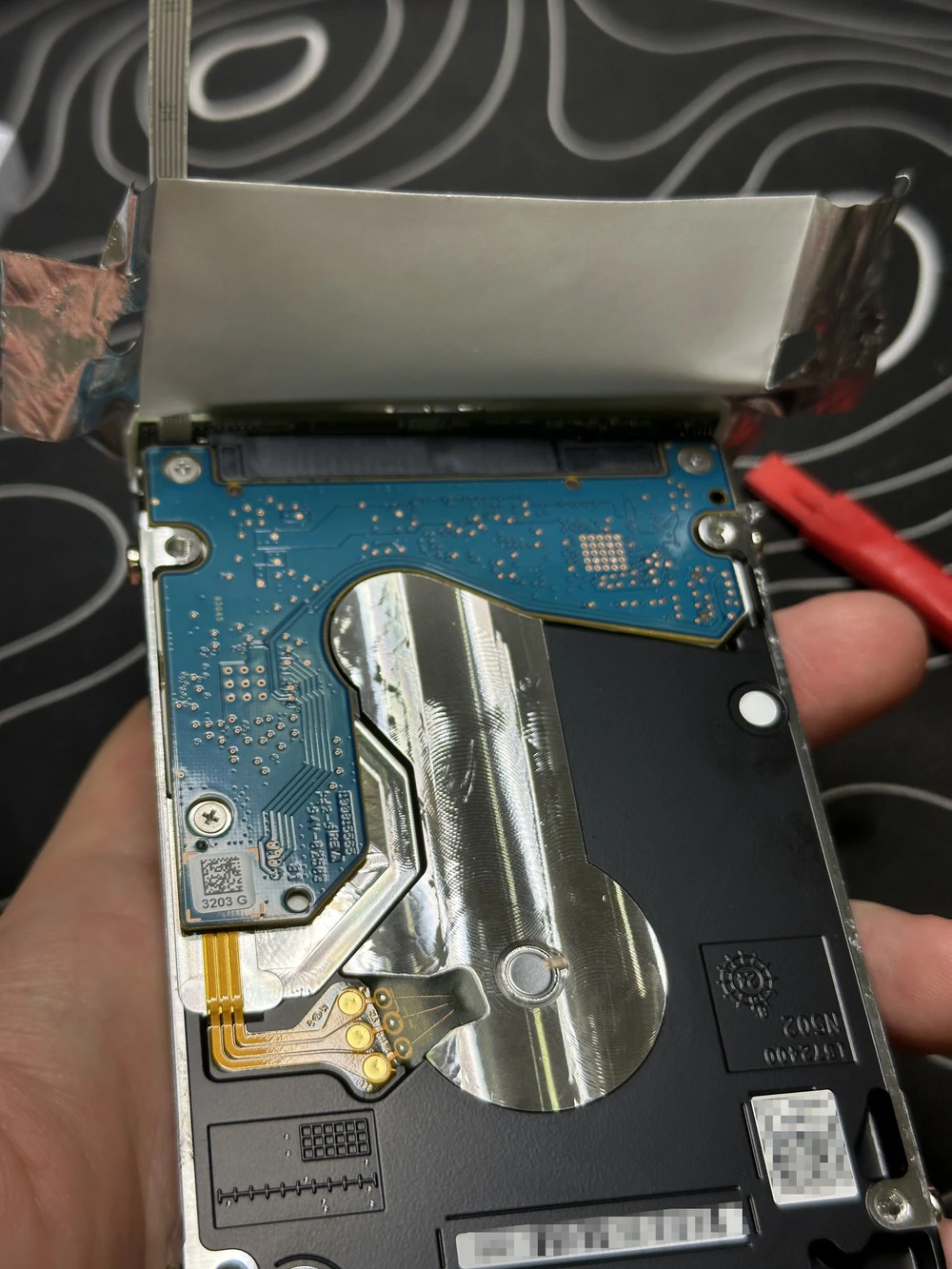
“Foil” peeled off, revealing the SATA↔USB Micro-B adapter
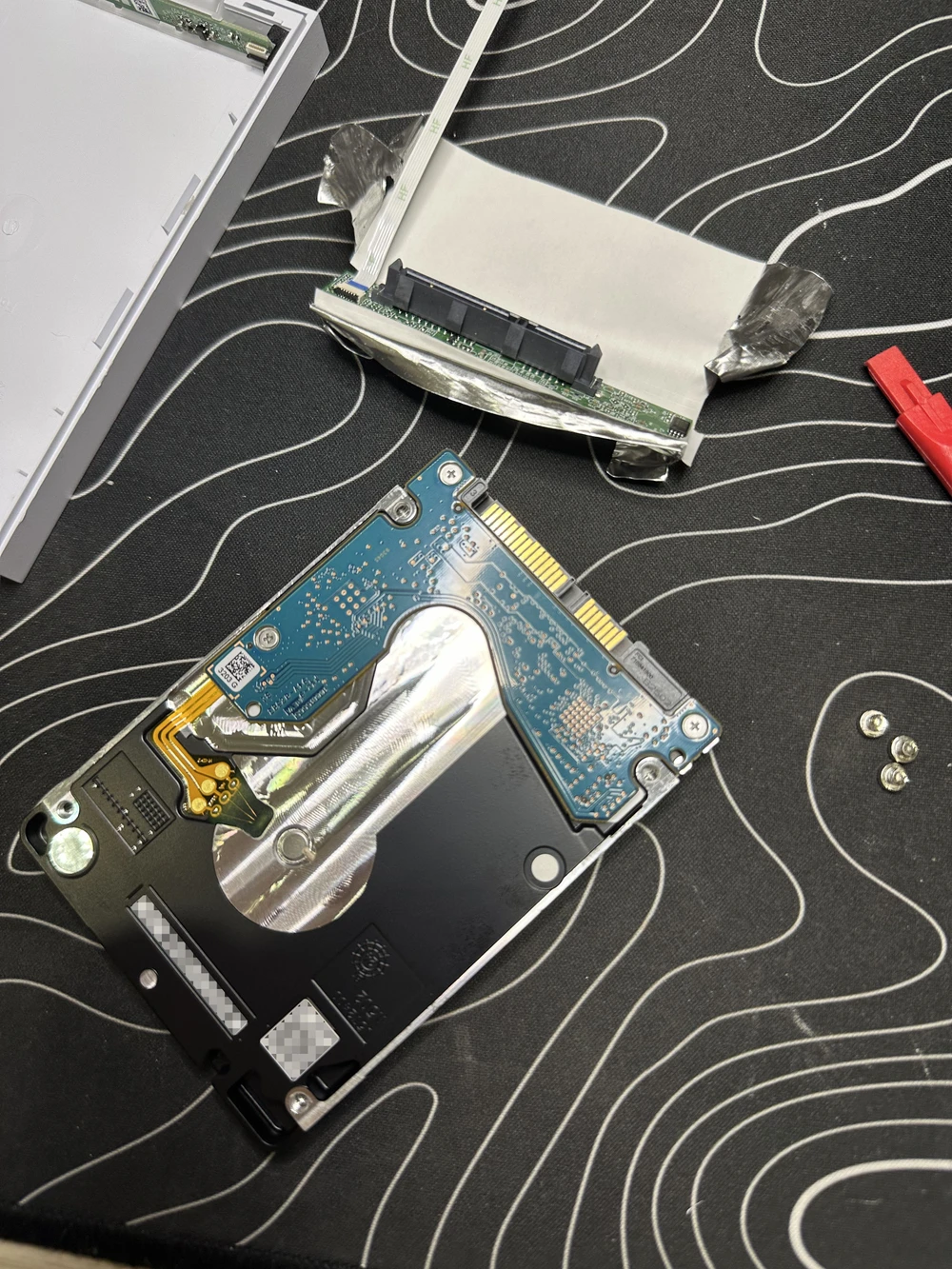
SATA↔USB Micro-B adapter removed, screws from the sides removed
The internal Seagate Mobile HDD 2TB ST2000LM007
The internal drive in a different SATA↔USB-C enclosure

Comments

🚧 Please enable JavaScript to use the comments feature

More posts